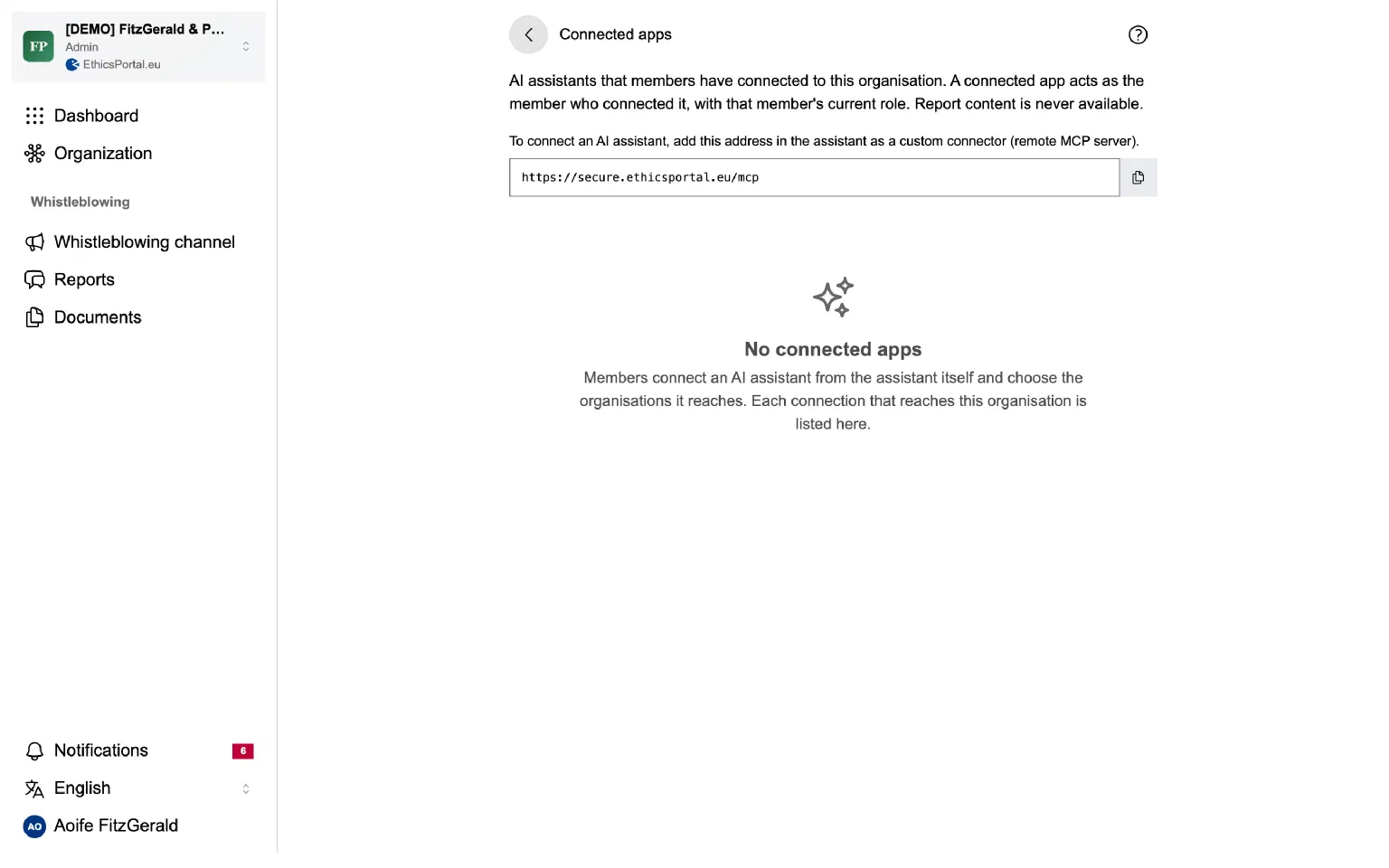
EthicsPortal now has an MCP server. An AI assistant that supports remote MCP servers, such as Claude Code, can use it to work with EthicsPortal for you. It can check case status and deadlines, configure your whistleblowing channel, invite members and read the audit trail.
The assistant acts as you, with your current role, and only in the organisations you choose on the consent screen. It never sees report content, reporter identity, messages, notes or attachments. Its actions appear in the audit trail, marked as made by an AI assistant. Administrators see every connection under Connected apps and can remove it.
To start, add https://secure.ethicsportal.eu/mcp to your assistant. A person without an account can create one during the connection and let the assistant set up the first organisation. Read the MCP server documentation.
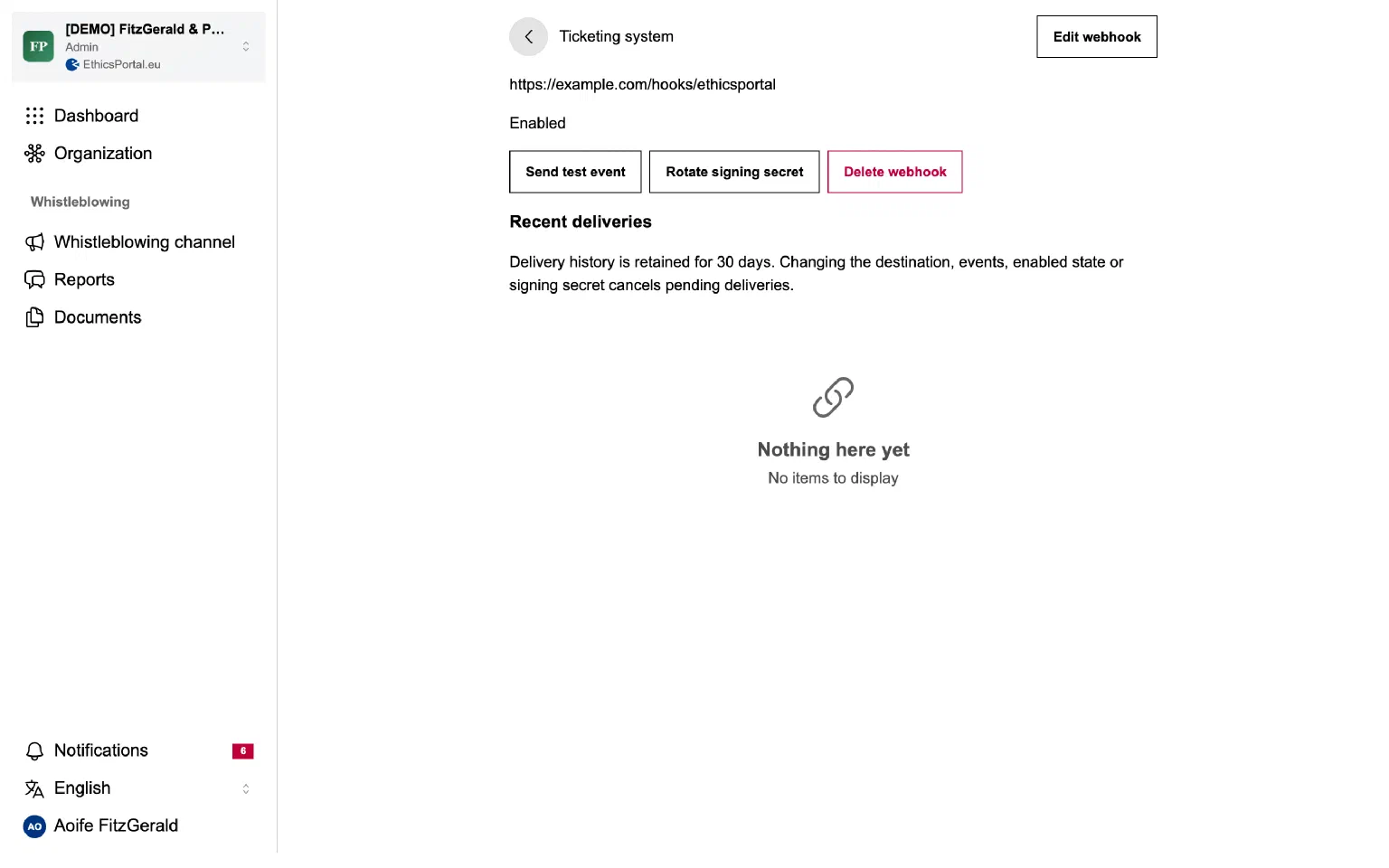
You can now connect EthicsPortal to your GRC, ticketing or reporting tools. The REST API gives the status and deadlines of reports, and webhooks tell your systems when a case changes. Report content, messages, notes and attachments are never available through the API.
Administrators create organisation tokens and webhook endpoints in the organisation settings. Each webhook shows its delivery history. You can retry a delivery, rotate the signing secret and send a test event. API access starts when the organisation has accepted the current Data Processing Agreement.
Start with the quickstart or read about webhooks in the developer documentation.
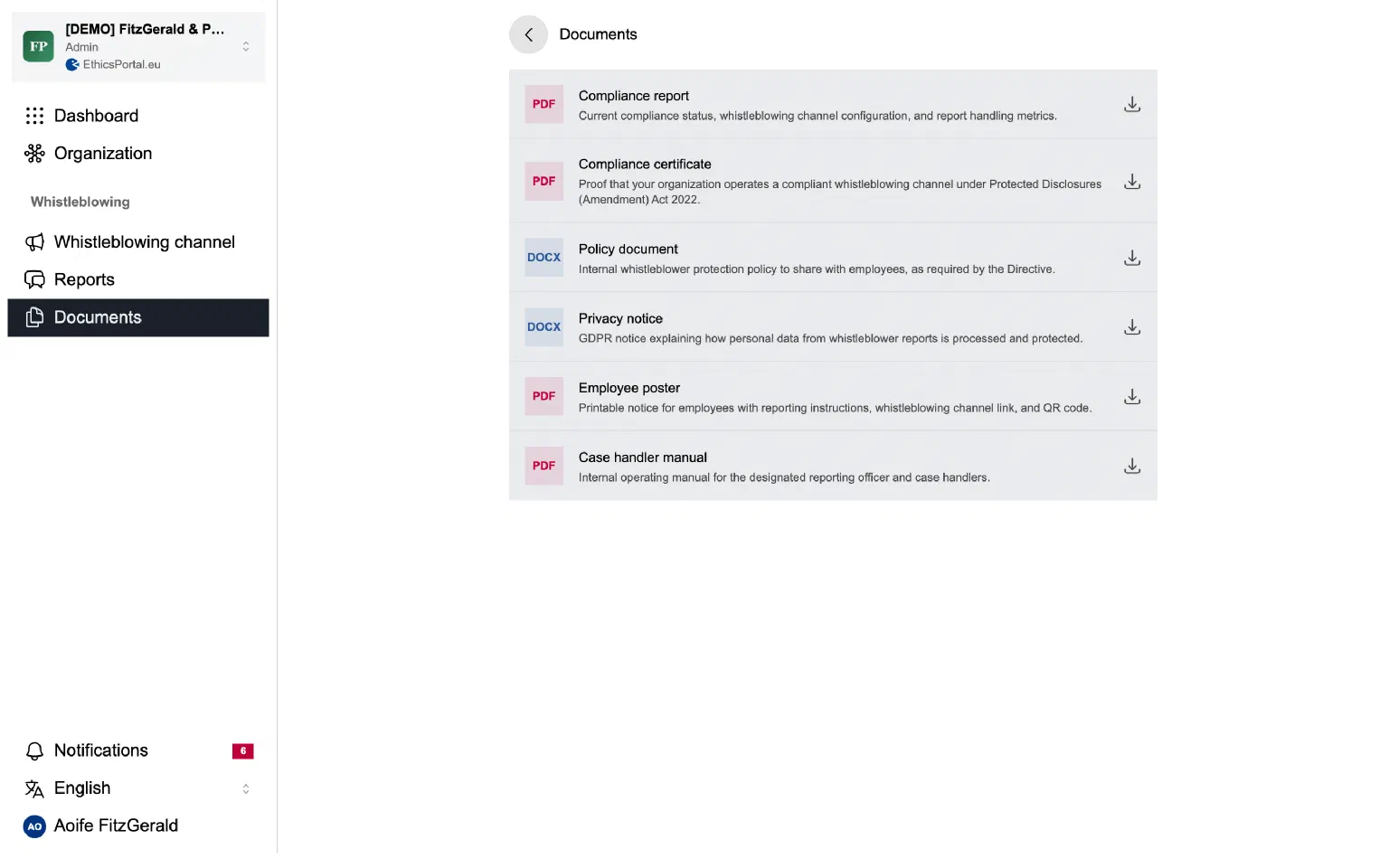
EthicsPortal now generates its PDF documents as tagged PDF/UA-1. This covers the compliance report, the compliance certificate, the channel poster, the case handler manual and case exports. Each file has a title, a document language and a tagged structure, so screen readers can follow its headings and tables.
Public bodies and many companies must buy accessible documents. Read the accessibility statement for the current status of EthicsPortal.
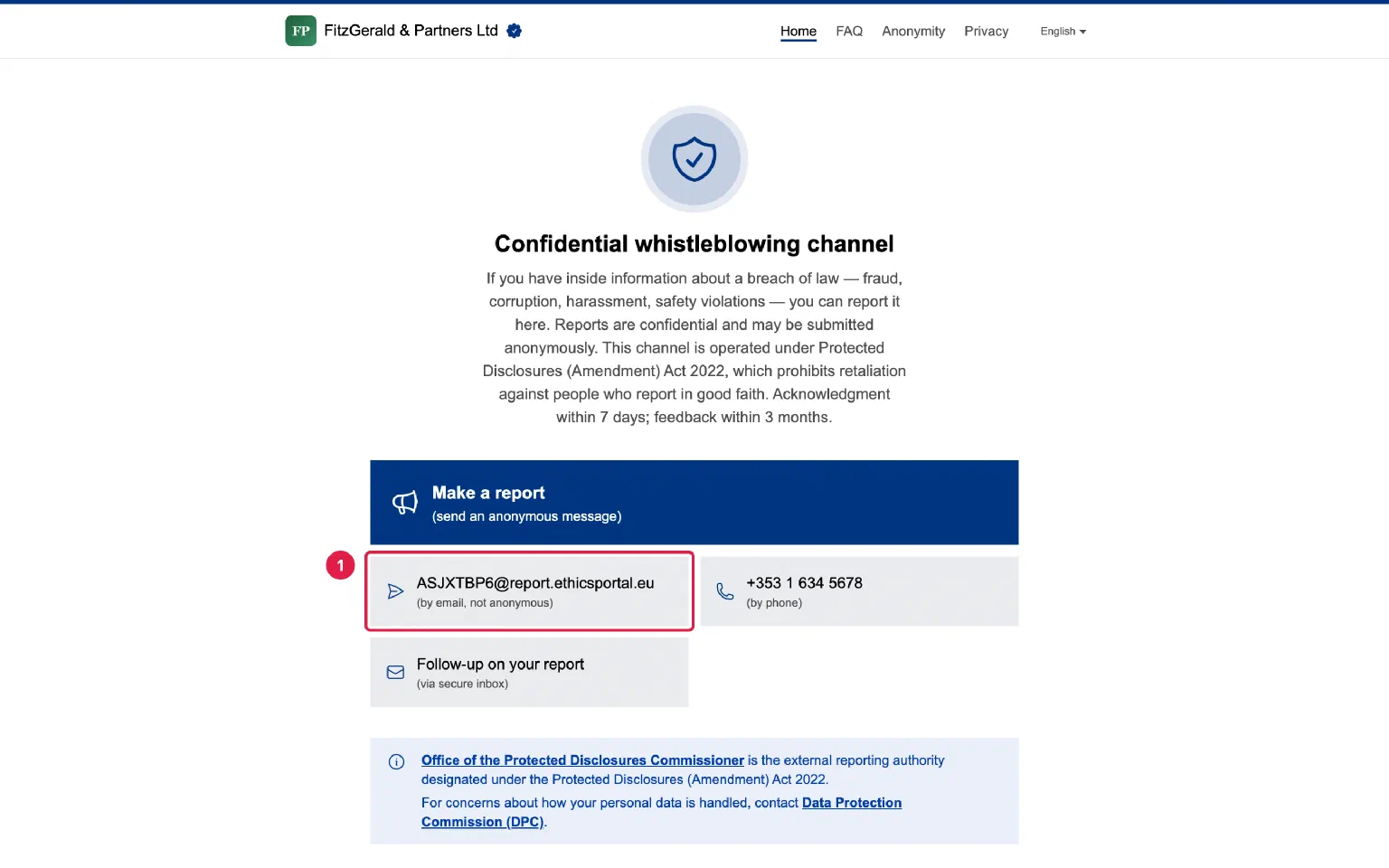
Every whistleblowing channel now has its own email address. An email sent to it becomes a case, the same as a report through the online reporting form. The reporter receives a Case ID and a one-time password for the secure inbox, where the conversation continues.
Handlers never see the sender’s address. It is stored encrypted and used only to send the receipt and notices of new messages. The online reporting form also has an optional email field for updates, with the same protection, so anonymous reporters can be told when a handler writes.
Email reports are on by default. An administrator can switch them off in the channel settings. Read how reports by email are received and protected.
Organisations in Switzerland can now operate their whistleblowing channel with EthicsPortal. Switzerland has no general whistleblower law, so Swiss channels apply the standard of the EU Whistleblowing Directive voluntarily, with Swiss wording. The documents cite the Swiss Federal Act on Data Protection (FADP) instead of the GDPR, and they name the country where the data is hosted.
The Data Processing Agreement has a section for the FADP. Swiss teams can use EthicsPortal in German, French, Italian or English.
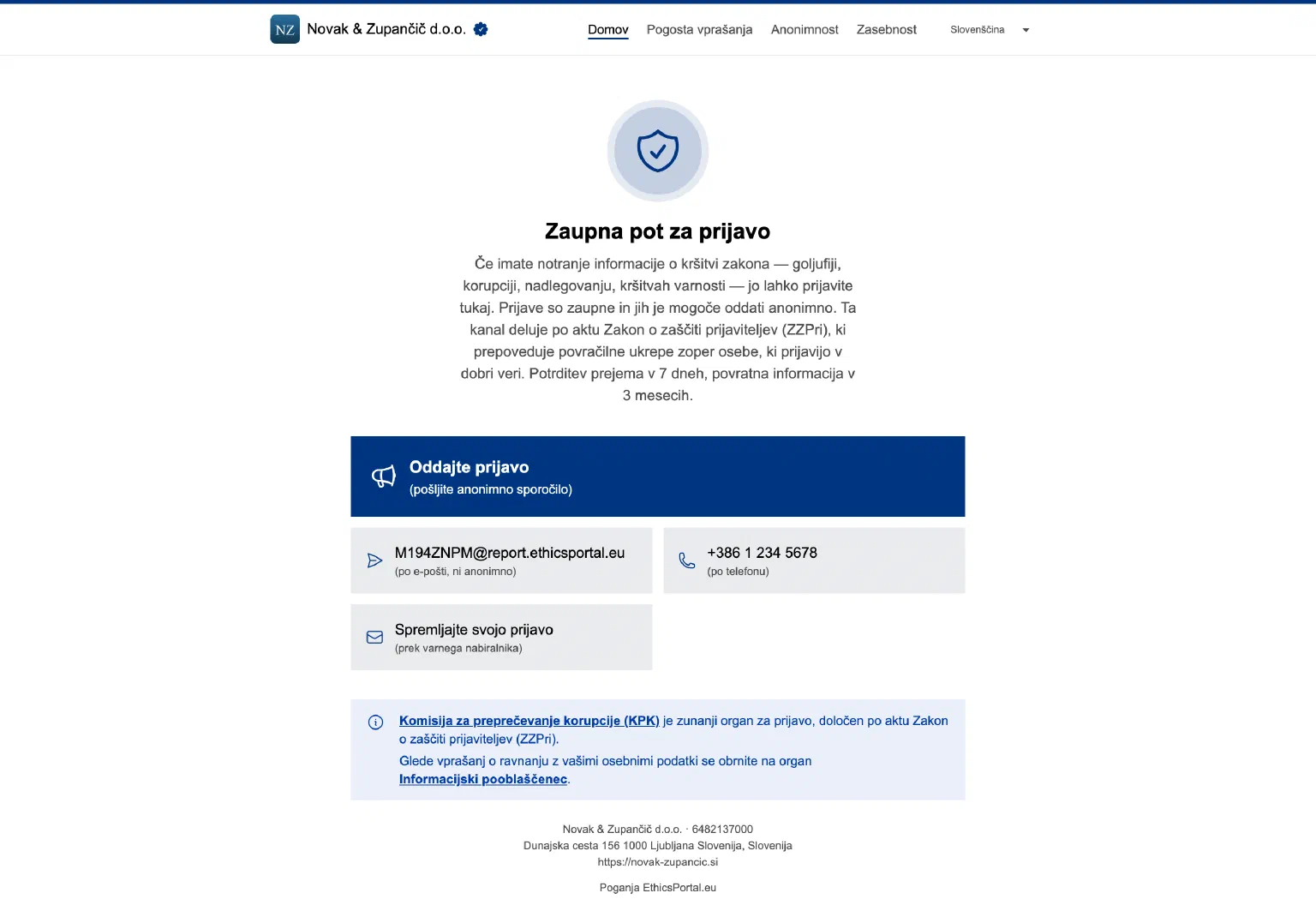
Organisations in Slovenia can now operate their whistleblowing channel with EthicsPortal. The online reporting form, the secure inbox and the case handling screens are available in Slovenian, the 14th language of EthicsPortal.
Slovenian channels and documents are set up for the Whistleblower Protection Act (ZZPri). They name the Commission for the Prevention of Corruption (KPK) as the external reporting authority.
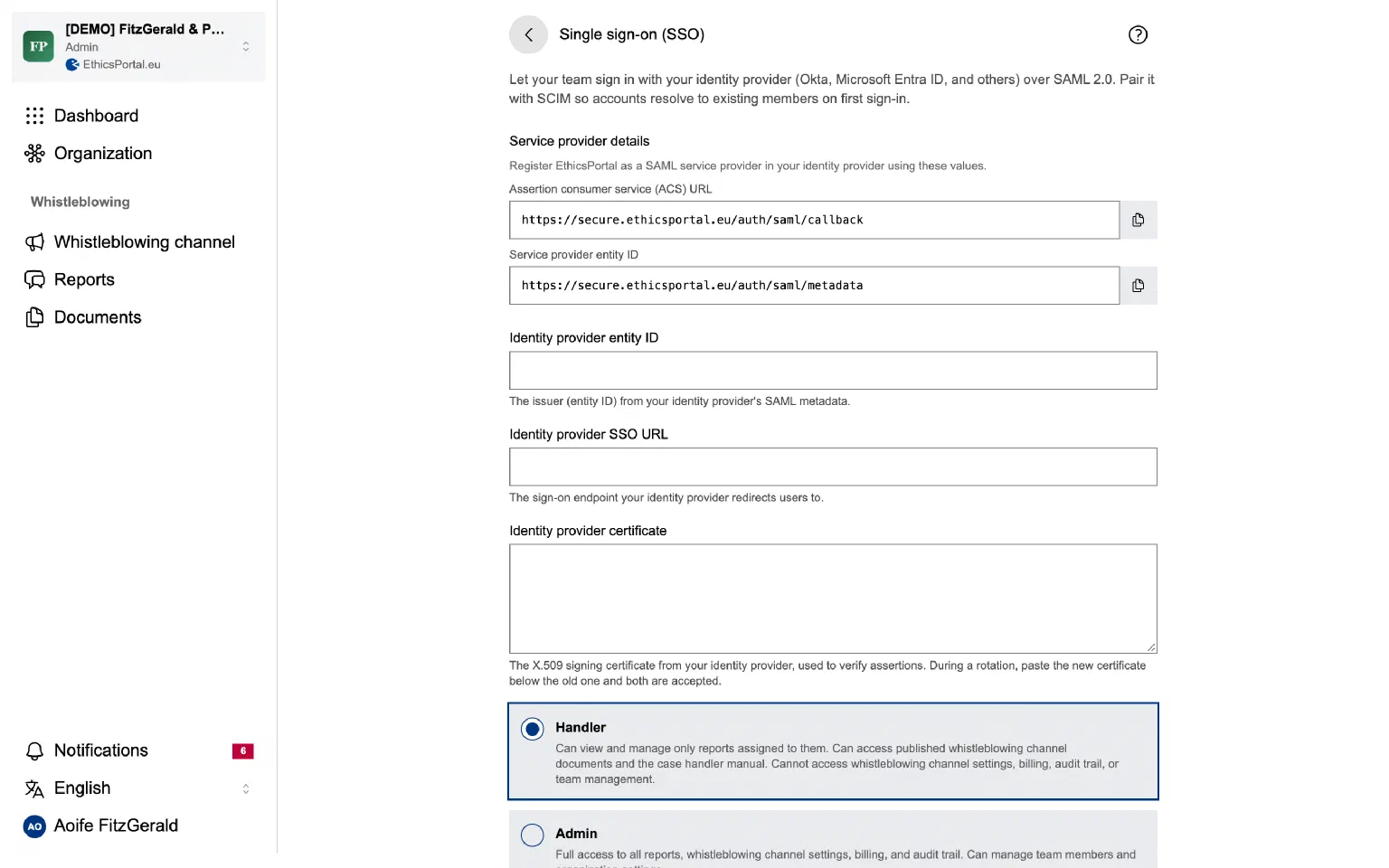
Your team can now sign in to EthicsPortal through your company’s identity provider. EthicsPortal supports SAML 2.0, so it works with Okta, Microsoft Entra ID and other SAML 2.0 providers.
An administrator connects the provider in the organisation settings. After you prove that you own an email domain with a DNS record, you can require single sign-on for everyone with an address at that domain. You can also let the provider create accounts at the first sign-in. When the provider renews its signing certificate, paste the new certificate below the old one, and sign-in keeps working during the change.
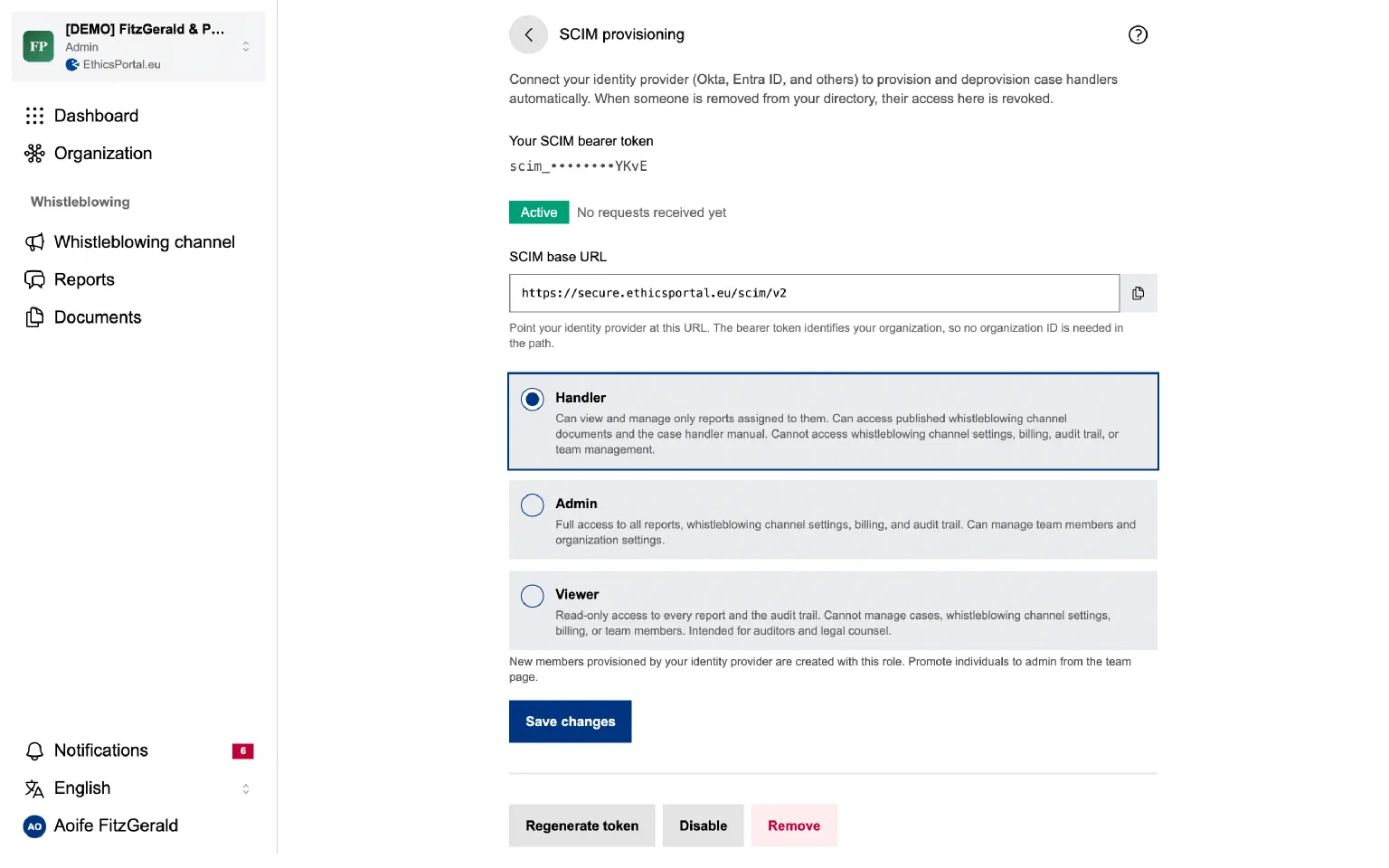
EthicsPortal now supports SCIM 2.0. Okta, Microsoft Entra ID or another SCIM directory can create, update and deactivate the members of your organisation. When someone leaves the company and the directory deactivates them, their access to cases ends.
An administrator generates the SCIM token in the organisation settings and chooses the role that new members get: handler, admin or viewer. Read the identity integration guide.
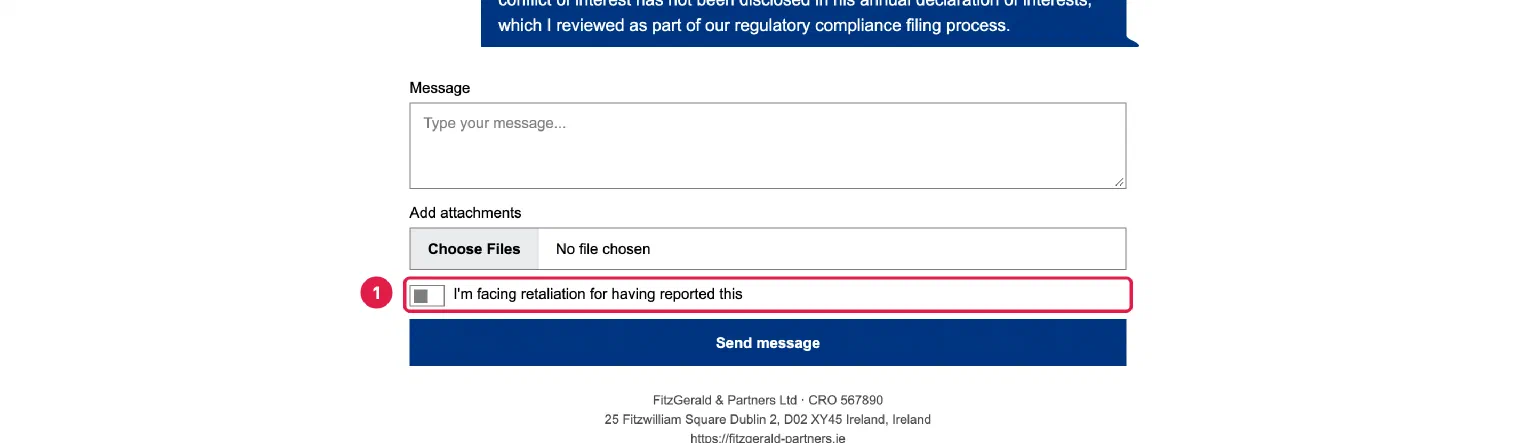
Retaliation often starts after a report is made. A reporter can now mark a follow-up message in the secure inbox as being about retaliation. The case then gets an urgency badge in the case list and on the case page, and the conversation shows that the message was flagged, so both sides can see it.
The same badge appears when a reporter says on the reporting form that they fear or face retaliation. This helps you act on the protection against retaliation in Article 19 of Directive (EU) 2019/1937.
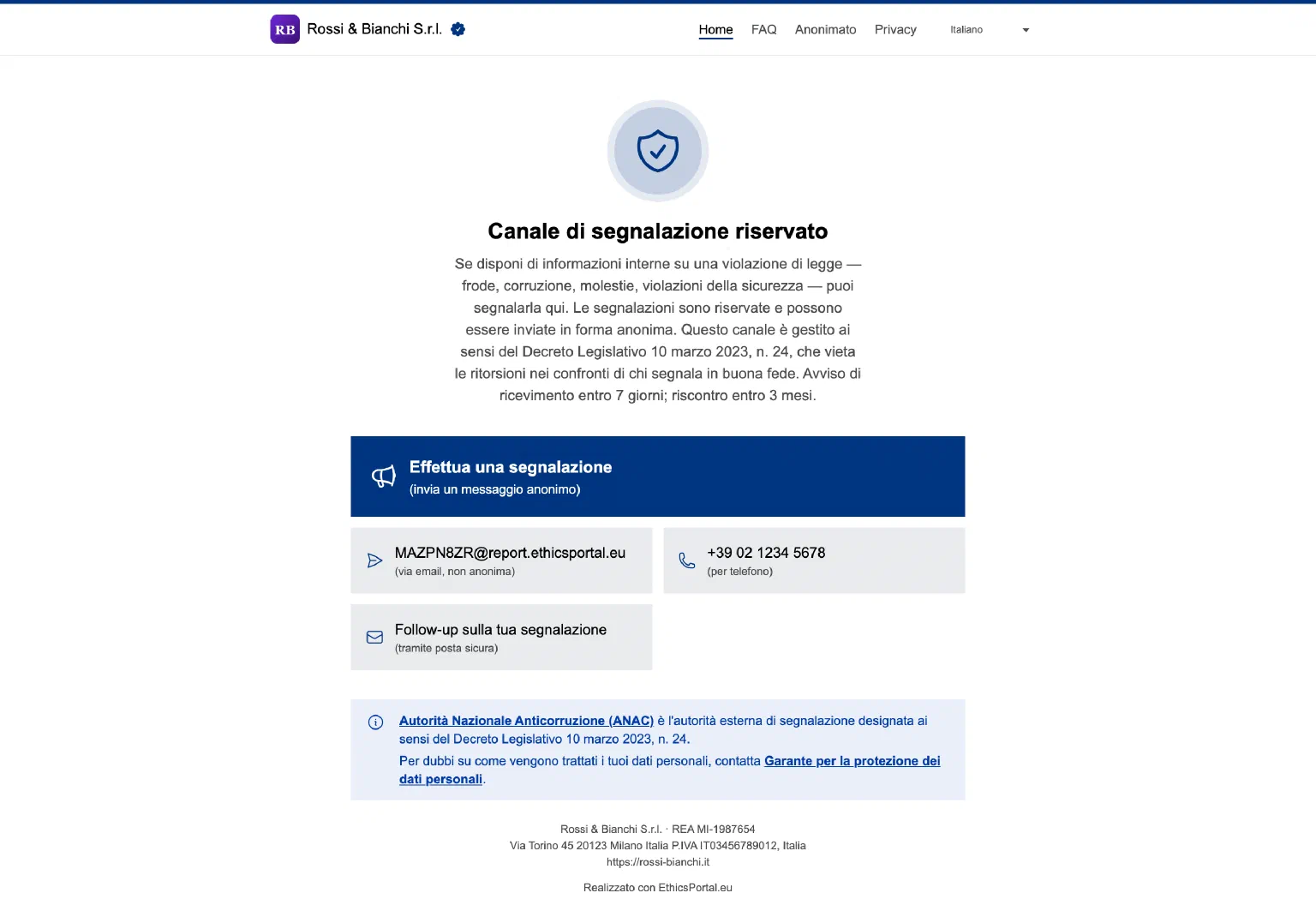
Organisations in Italy, Spain, the Netherlands and Portugal can now operate their whistleblowing channel with EthicsPortal in their own language. The online reporting form, the secure inbox, the case handling screens, the emails and the generated documents are available in Italian, Spanish, Dutch and Portuguese.
Each channel is set up for its national law and names the external reporting authority:
Italy: Legislative Decree 24/2023, with ANAC
Spain: Law 2/2023, with the Independent Authority for Whistleblower Protection (AAI)
The Netherlands: Whistleblowers Protection Act (Wet bescherming klokkenluiders), with the Huis voor Klokkenluiders